Latest Updates
Here's a round-up of the new features, fixes and improvements we've shipped over the past few weeks. We're also still rolling out and improving Subscription Topics, the Preference Center, and Vero's MCP and API, and we'll share more once they're ready for everyone. In the meantime, contact support@getvero.com if you'd like early access.
New
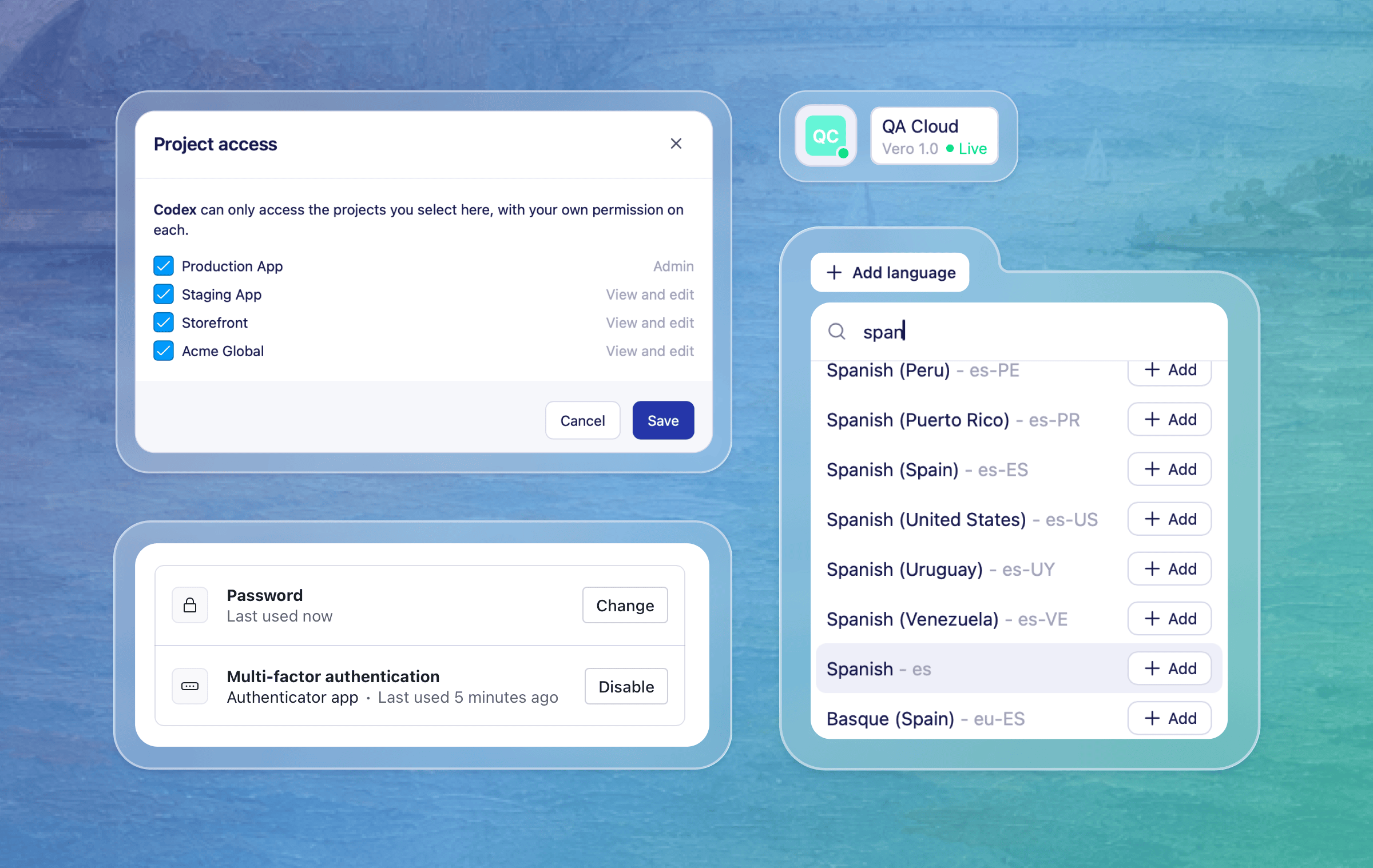
Multi-language content in Vero 2.0: You can now send a different language version of your campaign content to each profile in your broadcasts and journeys. This is one of the final steps in bringing all the features of Vero 1.0 to Vero 2.0. As before, Vero uses each profile's
localeproperty to send the right version. The campaign Insights tab now also breaks down performance by language, so it's easier to compare and report on each version. As a reminder, you can also create language versions through Vero's MCP, and they show up right alongside the rest of your campaign content in Vero, so you can review and edit them in one place. Learn how to use languages in Vero 2.0MCP management page: A new MCP page under your account settings lets you view and manage permissions for your connected AI agents like Claude and Gemini. You'll see every connected agent and which projects they have access to. You can limit an agent to specific projects, or remove it to revoke its access entirely. Learn about the Vero MCP
Improved
Project status at a glance: The compact sidebar now shows the current project's delivery status. Hover over the icon to see the project name, Vero version and delivery status without expanding the navigation.
Multi-factor authentication in Vero 2.0: We've updated the 2FA section in Settings → Security, which allows you to add an extra layer of protection to your account. If you sign in with Google or another identity provider, keep managing your sign-in security through that provider's account settings.
Fixes
Duplicate transactional option on broadcasts: In some cases, the transactional option appeared twice when setting up a broadcast. It now only shows once.
Recurring newsletter reliability: In some cases, recurring newsletters could time out before they finished sending. They now have more time to run, so scheduled sends complete reliably.
Clearer errors for recurring newsletter audiences: If a recurring newsletter's connected audience query fails, the campaign now shows a clearer error message. That gives you a chance to fix the query or data source before the next scheduled send.
Workflows after event retries: In rare cases, a retried event that had already been recorded could stop a workflow from being evaluated. Eligible profiles now continue through their workflows as expected.
Adding branches after random splits: In some cases, adding a True/False branch after a Random Split in a Journey showed an error, even though the branch sat outside the split. You can now add branches in this position.
Data feeds in broadcasts created via MCP or API: In some cases, broadcasts created with Vero's MCP tools or the API didn't render
{{feed.…}}Liquid tags until you edited and re-saved the content in Vero. Feeds now render as soon as the broadcast is created. If the feed Liquid is invalid, Vero now returns a clear error message.Gemini Enterprise connector: Gemini Enterprise can now discover and use Vero's MCP tools.
Improved recurring newsletter monitoring in Vero 2.0: We've improved how we monitor recurring newsletters in Vero 2.0. If a newsletter runs into trouble, we now catch it sooner and recover it automatically where we can, so your scheduled sends keep going reliably.
More reliable segment refreshes before sends: We've improved how segments are refreshed ahead of scheduled newsletters, so your audiences are ready in time and your newsletters go out when expected.
Liquid errors in message logs: If a message fails because of a Liquid syntax error, it now shows as a failure in the message logs with the error details. That makes it easier to find and fix the broken tag.
For any questions, don't hesitate to reach out to support@getvero.com.